Telegram marketplace bot for buy and sell channels
Make your buy and sell channel easier to run: people post through the bot, listings come out tidy with a photo and price, and the bot clears out spam and old posts.
First month freeThen $50 a month to connect it to your channel
A feed with filters
- City bikeSport · Palermo$350
- Three-seat sofaHome · Belgrano$180
- Desk lampHome · Recoleta$45
- Film cameraElectronics · San Telmo$120
- Running shoes, size 9Sport · Núñez$60
- Noise-cancelling headphonesElectronics · Caballito$95
Nothing here. Raise the price or pick another category.
Why buy and sell groups turn into a mess
No price, no photos
One person writes “selling, DM me”, the next drops ten photos with no text. Buyers just scroll past.
Spam and other channels
Easy-money links, ads for someone else's channel, the same post five times a day.
Old posts never leave
The couch sold a month ago and the post is still up. Finding anything current takes forever.
The admin cleans up by hand
Delete, warn, ban, every evening, when you'd rather be growing the channel.
What the bot does
Posting takes under a minute
The bot asks step by step: what it is, category, photos, description, price, area. Mostly buttons, easy on a phone.
Every listing looks the same
A real description is required, and so is a photo, except for the listing types you allow without one (services by default). The bot adds the seller's @username and category hashtags itself.
No links, no flooding
Links and other @channels in the text don't get through, and the spam filter catches typical spam texts and accounts from the CAS spammer database. You set how many listings a person can post per week, 5 by default.
Subscribers only
To post, people have to join your channel first. Everyone who wants to sell becomes a subscriber.
Old posts clear themselves
Each category has its own lifetime: 14 days by default, 30 for cars, and services stay up with no end date. Sold early? The seller takes it down in the bot with one tap.
Remembers the address
The bot offers the last address as a button, so nobody types it twice. Services can skip the address.
A feed with filters
A mini app right inside Telegram: category, currency, price range in dollars at a rate refreshed daily, date and text search.
Groups with topics
Each category goes to its own topic in the group. The bot creates a topic named after the category, or lets you pick by name any topic created or renamed after it joined. For an older topic, just paste its link.
Ads pay you
Ad blocks in the bot menu and after a listing goes live, plus ad posts to the channel through the bot. You deal with advertisers yourself.
Several countries and channels
Each channel has its own bot, currencies, categories and admins. Changing one channel doesn't touch another.
For admins and moderators
All of it with buttons, in the bot or the mini app.
Admin panel
Limits, post lifetime, categories, currencies, ads and stats in the bot settings or the mini app. No commands to remember.
Moderators
Helpers can delete listings, ban people and review paid posts. Settings, ads and revenue stay yours.
Review queue
Paid listings waiting for your OK sit in one list, oldest first. Publish or reject with one tap.
Ban or mute, with a term
A ban lasts until you lift it, a mute lasts 1, 2, 4 or 8 weeks. The bot tells the person what happened and until when.
“Message the admin”
A button in the bot menu: people write to you through the bot and you reply right there. Your own account stays private.
Paid categories
Charge in Telegram Stars and the listing goes live right after payment. Or go “through the admin”: you review it and settle payment yourself.
Paid posts past the limit
Used up this week's free listings? The bot offers to post for a fee. Paid listings don't count toward the free limit.
Emoji, your call
Allow emoji in free listings, paid ones, both or neither. The bot tells the seller what to remove.
Deleting asks first
In the bot and the mini app, the delete and ban buttons ask you to confirm first. A stray tap breaks nothing.
What it looks like
Listings from our example bot: photo, price, area. Open the example bot and post one yourself, it takes under a minute.
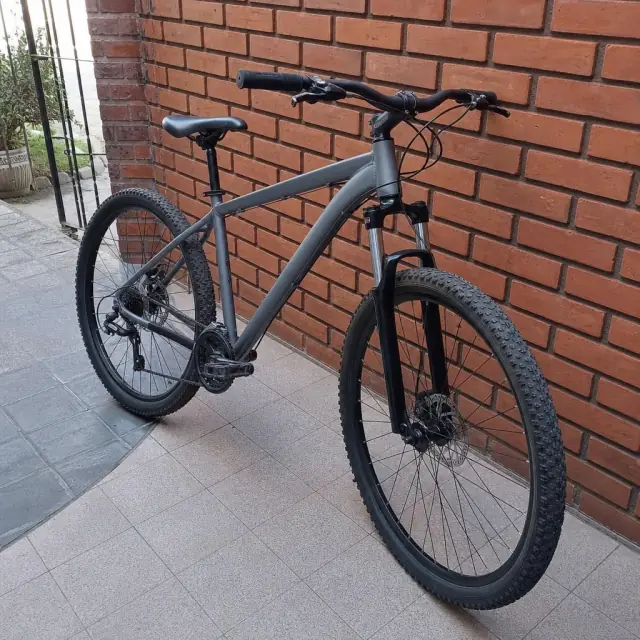 $380
$380Mountain bike, 29-inch wheels
Núñez
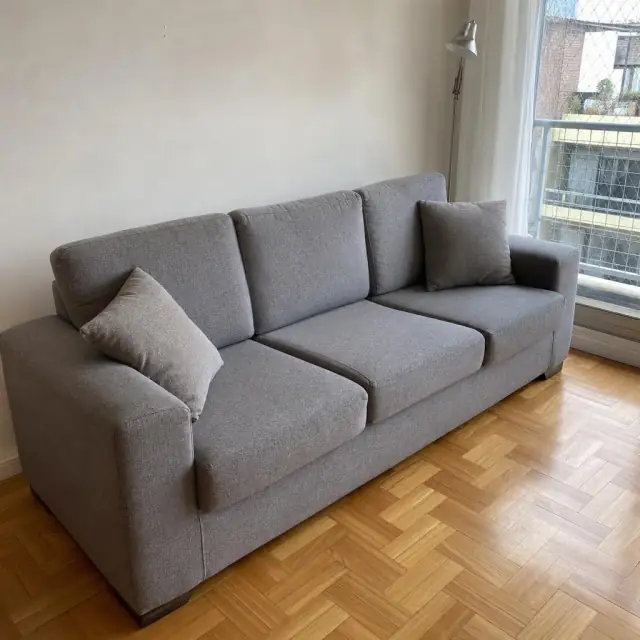 $250
$250Three-seat sofa
Belgrano
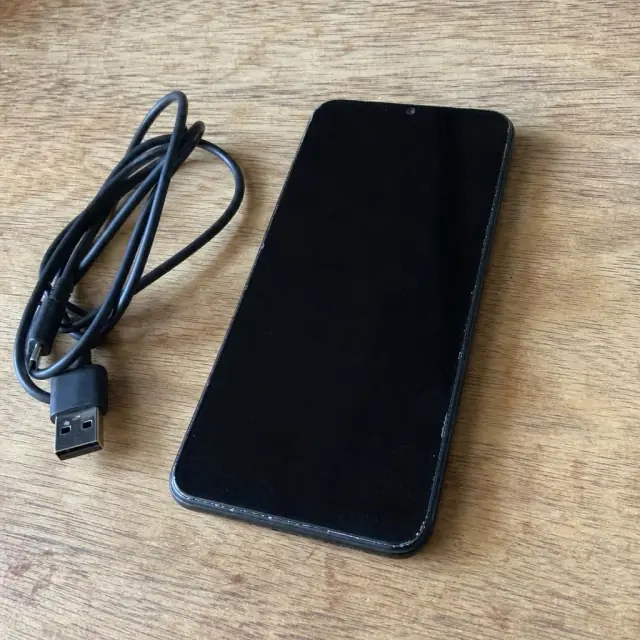 $230
$230Smartphone, 128 GB
Palermo
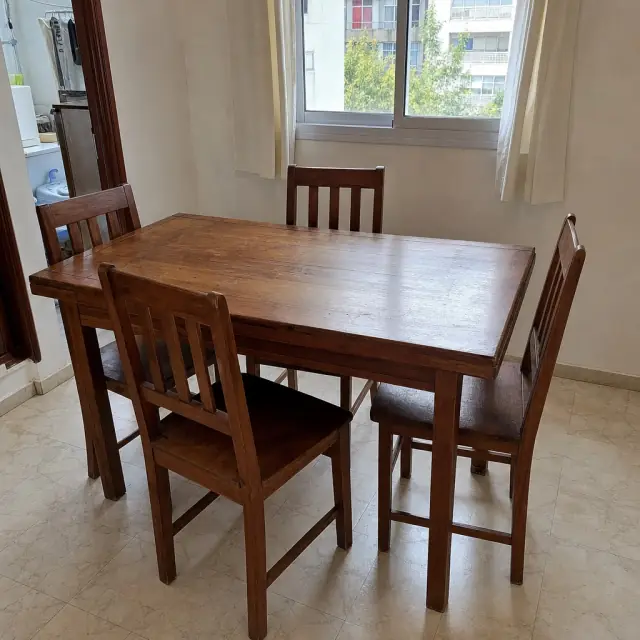 $280
$280Dining table and four chairs
Villa Urquiza
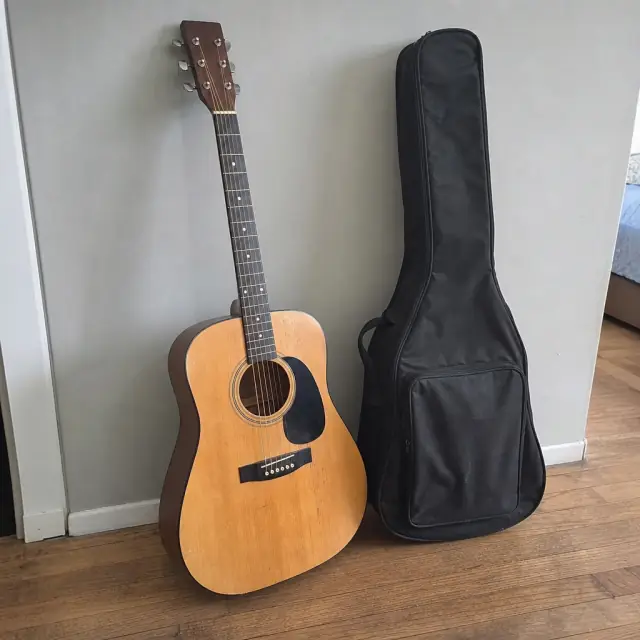 $85
$85Acoustic guitar with case
Boedo
 $120
$120Stroller
Caballito
How to connect
Make the bot an admin
Open the link we send you and pick your channel or group. The bot asks for permission to post and delete messages.
It links itself
The bot saves the channel, makes you its admin and tells you it's ready. No ids, no commands.
Set it up with buttons
Categories, currencies, weekly limit and post lifetime are in the bot settings. Pin a post with the bot link in your channel and you're live.
Price
$50
a month to connect the bot to your channel
See how the bot works on your channel first; you start paying from the second month.
Connect the botWhat you get
- A bot for your channel or topic group
- Runs on our server, nothing to install
- Mini app with a feed, filters and an admin panel
- Everything above: limits, spam protection, subscriber check, auto removal, moderators, paid categories, ads
- Bot and mini app interface in Russian for now; categories, listing types and currencies are yours to name
FAQ
How do I create a buy and sell channel on Telegram?
Create a channel or a group with topics, add our bot as an admin and set your categories and currencies. Pin a post with the bot link, and people post their listings on their own.
How do people post in my buy and sell group?
Through the bot only. Pin a post with its link; the bot walks each seller through the steps and publishes the listing in the same format every time.
Do I need a separate app?
No. The bot and the mini app both open inside Telegram, for you and for buyers.
What rules can I set?
Categories, currencies, how many listings a person can post per week, how long a post stays up and your rules text. The bot rejects listings with links, without the seller's @username, from non-subscribers or without a photo where one is required. Every new listing also reaches you as a card with buttons to delete it or ban the author.
How do I stop spam on Telegram?
The bot blocks links and other @channels, runs a spam filter with the CAS spammer database, caps listings per week and only lets subscribers post. A banned user can't post again, and the bot removes their listings.
Does the bot auto delete old messages?
Yes. Each category has its own lifetime: 14 days by default, 30 for cars, and services stay up with no end date. When time is up, the bot takes the post down.
How do I make money with a Telegram channel like this?
Ads and paid listings: blocks in the bot menu and after each listing goes live, ad posts in the channel, and categories that charge in Stars or through you. Advertisers pay you directly; the bot just shows the ads.
What language is the bot in?
Russian for now: the bot's buttons, the mini app and the captions it adds to posts. Categories, listing types and currencies are yours to name in any language.
How do I sell things on a Telegram channel?
Open the channel's bot, tap to post, add photos, a description and a price. The bot publishes it with your @username so buyers can message you.
Can I charge for listings?
Yes. Make a category paid: in Telegram Stars, where the listing goes live right after payment, or through the admin, where you review it and settle payment yourself. Paid listings don't count toward the free weekly limit.
Can I see it in action?
Open our example bot @tg_market_example_bot, post a test listing and browse the feed in the mini app.
How much does it cost?
The first month is free, then $50 a month to connect the bot to one channel. Message us on Telegram and we'll set it up.
Clean up your buy and sell channel
Message us on Telegram and we'll connect the bot to your channel.
Connect the bot